AGENTS.md vs CLAUDE.md vs Cursor Rules: Which Instruction File Should You Use?
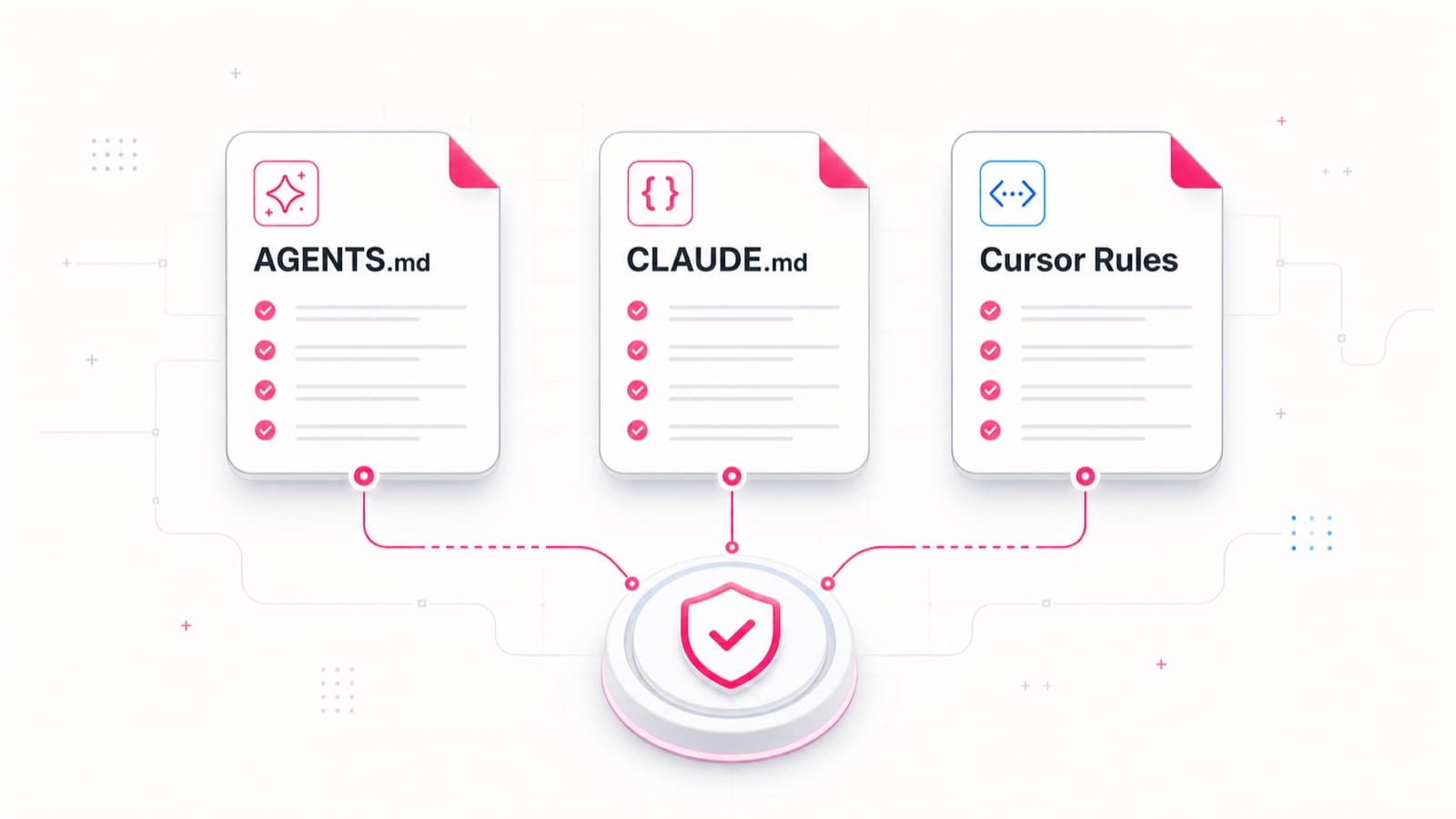
AGENTS.md, CLAUDE.md, and Cursor Rules are persistent instruction files for coding agents. They give an agent the project architecture, verification commands, constraints, and workflow it should use on a new task. The important difference is not the quality of the prose. It is which tool discovers the file and how that tool adds the instructions to context.
The short answer: use AGENTS.md as a portable base, CLAUDE.md as Claude
Code's native entry point, and .cursor/rules/*.mdc when Cursor needs precise
activation rules. A multi-agent repository rarely needs one winner. It needs
one canonical set of project rules with thin tool-specific adapters.
AGENTS.md: a portable repository map
AGENTS.md is an open format for coding-agent instructions. It is plain Markdown without a required schema. It is a good home for facts that multiple tools should interpret consistently:
- the product purpose and task boundaries;
- the repository map and import direction;
- development, test, lint, and build commands;
- security and quality invariants;
- documentation and Git conventions;
- the definition of done for a change.
The format supports nested files. A root AGENTS.md can define repository-wide
rules while a file inside a package narrows the context for that subtree. This
is useful in monorepos and in projects where different agents work on the same
codebase.
Keep feature requirements elsewhere. AGENTS.md explains how to work in the
repository; a feature specification explains what behaviour one change must
produce. Putting a temporary feature contract in global instructions leaves
stale requirements in context after the work is complete.
CLAUDE.md: Claude Code's native project memory
CLAUDE.md is the persistent instruction file Claude Code loads for a project.
The Claude Code memory documentation
distinguishes human-written instructions from auto memory: the first defines
rules; the second stores learnings accumulated by the agent. Both provide
context rather than hard enforcement.
Claude Code reads CLAUDE.md, not AGENTS.md directly. When the canonical
rules already live in AGENTS.md, the official documentation recommends an
import:
@AGENTS.md

## Claude Code

- Use plan mode before changing the billing flow.
This keeps shared rules in one place and reserves the rest of CLAUDE.md for
genuinely Claude-specific behaviour. A symlink from CLAUDE.md to AGENTS.md
also works when no additional section is needed.
Larger Claude Code projects can split instructions into .claude/rules/ and
scope them to paths. That avoids loading frontend conventions while the agent
is changing a database migration. The idea resembles scoped Cursor Rules even
though the discovery and file formats differ.
Cursor Rules: explicit activation control
Cursor Project Rules live in
.cursor/rules/*.mdc. An MDC file combines Markdown instructions with
frontmatter that controls when the rule enters context. Cursor currently
documents four activation modes:
Always Applyfor every agent session;Apply Intelligentlywhen the rule description is relevant;Apply to Specific Fileswhen a file matches configured patterns;Apply Manuallywhen the rule is mentioned with@.
Cursor also supports root and nested AGENTS.md files as the straightforward
Markdown alternative. That means the base rules do not have to be duplicated
in MDC. Cursor Rules are most useful for selective context: migration rules
should appear around migrations/**, while a release procedure should load
only when it is requested.
Which file should a single-tool project choose?
For Claude Code only, start with CLAUDE.md and add .claude/rules/ as the
repository grows. This is the native route and Claude can show the loaded files
through /context.
For Cursor only, AGENTS.md is enough for a small repository. Add MDC rules
when you need path-specific, relevance-based, or manual activation.
When tools change, make AGENTS.md the canonical portable layer. Let
CLAUDE.md import it and hold Claude-only additions. Cursor can read the same
AGENTS.md, while Cursor-specific activation remains in .cursor/rules/.
A structure without copy-and-paste
A practical layout looks like this:
AGENTS.md                  # shared project rules
CLAUDE.md                  # @AGENTS.md plus Claude-only additions
.claude/rules/testing.md   # Claude-specific scoped context
.cursor/rules/testing.mdc  # Cursor activation metadata
docs/specs/                # requirements for individual changes
The testing files do not need to duplicate the whole policy. Put the durable testing contract in normal project documentation. Keep only the activation scope, the critical instruction, and the required verification command in the agent-specific files. A policy change then happens once.
Instruction files are not enforcement
All three formats influence model context. They improve the chance of a sound
decision, but they do not make a forbidden action technically impossible. The
Claude Code documentation explicitly points to PreToolUse hooks when an
operation must be blocked regardless of the agent's decision.
A mature setup therefore has several layers:
AGENTS.mdorCLAUDE.mdexplains the invariant.- Scoped rules place it in the relevant context.
- A linter, type checker, test, or hook verifies the machine-checkable part.
- CI rejects the change when the check fails.
The file creates understanding; the gate creates enforcement. They are not substitutes.
This distinction is part of the wider Ludvik4 delivery model: AI assists the work inside written scope, tests, review, and quality gates. You can inspect a concrete quality workflow in the qa-pilot case and the studio principles on the About page.
A better success criterion than file names
The configuration works when:
- a new agent finds the commands and architecture boundaries quickly;
- a rule loads only where it applies;
- a shared instruction is edited in one place;
- a preference is not presented as an unenforceable guarantee;
- critical constraints are backed by tests, hooks, or CI;
- completed feature requirements do not remain in global context forever.
If those conditions hold, AGENTS.md, CLAUDE.md, and Cursor Rules form one instruction system rather than three competing documents.
Need to make an AI-assisted development process inspectable and reliable? Describe the project, including the current repository and the failure modes you want the workflow to prevent.