How to Write Cursor Rules That Stay Small and Actually Apply
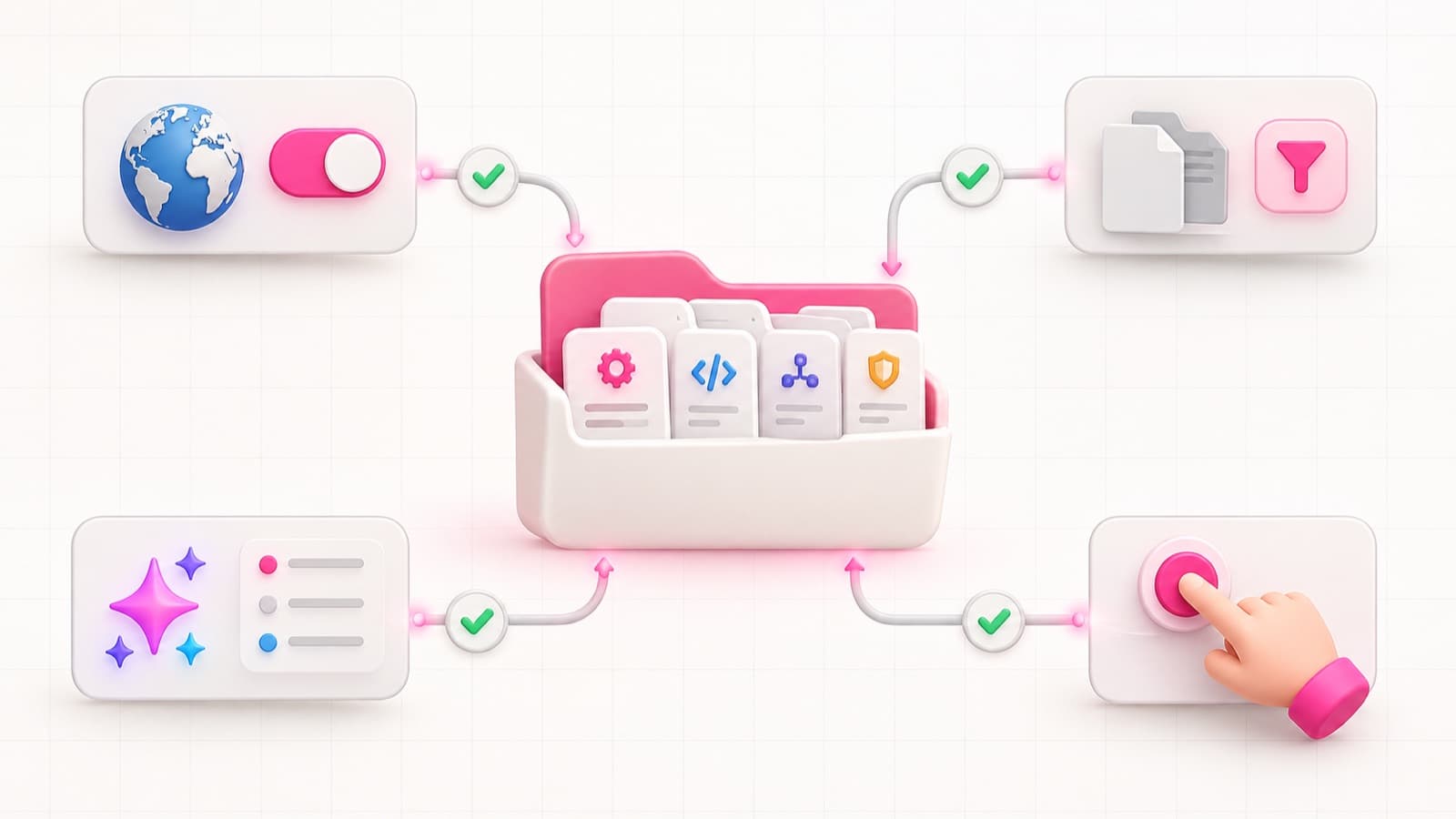
Good Cursor Rules are short project instructions with a clear scope and a verifiable outcome. They give the agent the context needed for the current files or procedure without trying to replace documentation, specifications, tests, and CI.
Most rule sets do not fail because they lack detail. They grow into a history of every previous mistake, load all at once, and begin to contradict one another. The agent receives more tokens and less clarity.
Choose the activation mechanism first
Cursor Project Rules live in
.cursor/rules/*.mdc. Frontmatter controls when a rule enters context. The
activation choice is part of the rule's meaning, not an implementation detail.
For the boundary between project-wide and tool-specific instructions, see
AGENTS.md vs CLAUDE.md vs Cursor Rules.
Always Apply
Reserve this mode for a small set of truly global invariants:
- the package manager and core development command;
- the primary language and formatter;
- a critical architecture boundary;
- the required release-gate sequence;
- a ban on editing generated files.
A database-only rule should not be always-on. Global context is the most expensive context because it competes with every task.
Apply to Specific Files
Use patterns when scope can be expressed by path:
src/db/**for schemas and migrations;src/**/*.test.*for testing conventions;src/app/**/page.tsxfor route boundaries;infra/**for deployment configuration.
The pattern should identify files where the instruction must be applied, not every file the prose happens to mention.
Apply Intelligently
This mode fits topical knowledge without a stable path: performance review, accessibility audit, or handling an external API. The description must state a specific trigger or the agent cannot decide when to request the rule.
Apply Manually
Use manual rules for uncommon procedures such as a release, dependency upgrade, incident review, or major-version migration. These instructions do not need to occupy the context of an ordinary feature task.
One rule, one contract
A project-rules.mdc file covering React, SQL, Git, deployment, and tone of
voice cannot be scoped correctly. Splitting by contract keeps rules short and
makes activation explicit:
.cursor/rules/
  architecture.mdc
  database-migrations.mdc
  frontend-accessibility.mdc
  testing.mdc
  release.mdc
The name should say what the rule protects. important.mdc and misc.mdc
hide intent and invite more unrelated additions.
Write an observable instruction
“Write high-quality code” cannot be verified. “Validate request data with the project schema before using it in every server route” establishes an observable boundary.
A strong rule contains:
- Context: where it applies.
- Action: what the agent must do or avoid.
- Verification: which command or test demonstrates the result.
- Exception: where the rule deliberately does not apply.
- Reference: where the full contract lives if it is long.
For example:
---
description: Validate external input in server routes and actions
globs: "src/app/**/{route,actions}.ts"
alwaysApply: false
---

- Parse request data with the project schema before use.
- Return the existing typed validation error; do not invent a second format.
- Run `pnpm test --filter server-input` after changing this boundary.
- Full contract: `docs/rules/security.md`.
The rule does not repeat the security document. It supplies the relevant part and names the check.
Do not store facts the repository already exposes
An agent can read package.json, installed types, and neighbouring code. Rules
are valuable for non-obvious context: why an architecture boundary exists, a
mandatory sequence, a dangerous edge case, or a command that is easy to miss.
Weak candidates include:
- the full dependency list;
- copied framework documentation;
- a map of every directory;
- style already enforced by a formatter;
- requirements for one current feature;
- long examples available in the codebase.
Strong candidates include:
- “middleware makes no network calls because it runs at the edge boundary”;
- “an applied migration is never edited; create a new migration”;
- “a new test is complete only after a demonstrated failing run”;
- “this external operation requires an idempotency key.”
AGENTS.md and Cursor Rules should not compete
Cursor supports root and nested AGENTS.md files as plain-Markdown
instructions. A useful boundary is:
AGENTS.mdfor the project map, commands, and global invariants;.cursor/rules/*.mdcfor selective context and Cursor-specific procedures;docs/specs/for the contract of one change;- lint, tests, and hooks for machine verification.
When one paragraph is copied into several files, choose a canonical document and leave short references. Duplication does not create reliability; it creates several future versions of the rule.
A rule is not enforcement
Cursor Rules place instructions in model context. They do not guarantee that every action will comply. Move machine-checkable constraints into tools:
- a formatter for formatting;
- a linter for static boundaries;
- a type checker for data and API shape;
- tests for behaviour;
- hooks for forbidden calls or mandatory preconditions;
- CI for the final gate sequence.
Rules explain how to pass the checks and why they exist. That is essential, but it is a different role.
How to reduce an existing rule set
Audit in this order:
- List every Always Apply rule.
- Ask whether each one is relevant to every task.
- Separate path-scoped, relevance-scoped, and manual procedures.
- Remove facts the agent can discover from code.
- Resolve contradictions around one canonical source.
- Connect every critical statement to a check.
- Add a review trigger for rules about fast-changing tool APIs.
After the reduction, test a real task. Can the agent identify the relevant rule and required gate without loading unrelated instructions?
Do not add a rule after every mistake. First classify the cause: missing project context belongs in a rule; an ambiguous requirement belongs in the specification; an absent check belongs in tests or gates; a changed tool API belongs in the integration; a reasonable exception needs a narrower boundary.
Need to turn a large Cursor prompt into an operating system for the repository? Describe the project and current rules. I can help separate the contexts, remove duplication, and connect critical constraints to enforceable gates.